Skip to content

ElevenLabs Alternative For Santa, Robot and Kid Voices

ElevenLabs is a powerful, all-purpose voice platform. VoiceTestLab is a smaller tool built for fun character voices with ready-made scripts. Here is an honest side-by-side on price, free tiers, commercial rights and features, so you can pick the right one.

  • Checked October 2026
  • Says where ElevenLabs wins
  • Santa, robot and kid presets

Quick reference

ElevenLabs vs VoiceTestLab: price and usage rights

The rules that matter most if you want a few fun clips, or plan to publish them.

Plan detailElevenLabsVoiceTestLab
Free tier10,000 credits every monthNew accounts can try it once for free
Free tier in practiceRoughly 10,000 characters a monthOne free try
Commercial use, free tierNot allowedNot allowed (personal use only)
Attribution, free tier"elevenlabs.io" or "11.ai" in the titleNot required
Cheapest paid optionStarter, $6 a monthMonthly plan or one-time credit pack
Commercial licenseStarter plan and aboveAny paid plan or credit pack

ElevenLabs details as of October 2026, from elevenlabs.io/pricing and the ElevenLabs help center. Credits per character depend on the model, and plans change, so check their site for current terms. VoiceTestLab prices are on our pricing page.

Quick reference

Features compared for character voices

What each tool gives you when the goal is a Santa greeting, a robot line or a kid character.

FeatureElevenLabsVoiceTestLab
Character voicesLarge Voice Library, including community voicesPresets for Santa, elf, robot, kid and more
Santa with a child's nameType the name into your textA Name box fills it in for you
Voice cloningYes, from the Starter planNo, original voices only
Effects on the resultSeparate voice changer and sound toolsRobot, chipmunk, radio, echo, in your browser
Longest single clipLong scripts and full projects1,000 characters, about a minute
Developer APIYesNo
LanguagesDozens of languagesMany languages; site in English and Chinese

VoiceTestLab character voices are original AI voices. With either tool, never use a voice to imitate a real person without their consent.

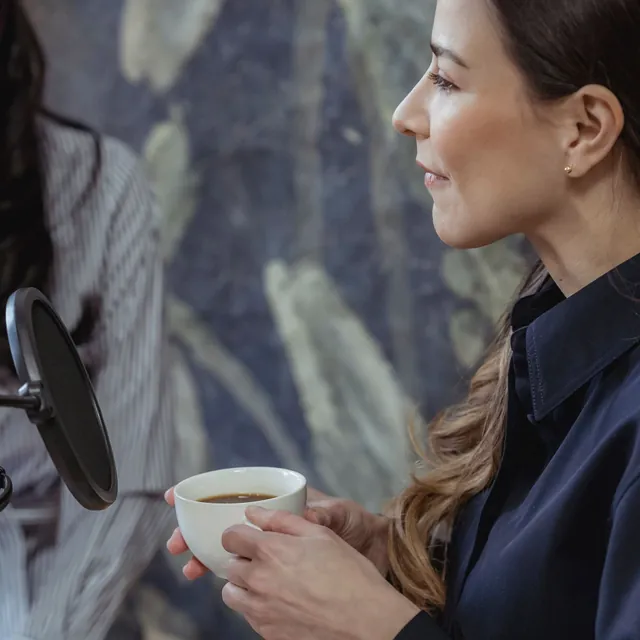
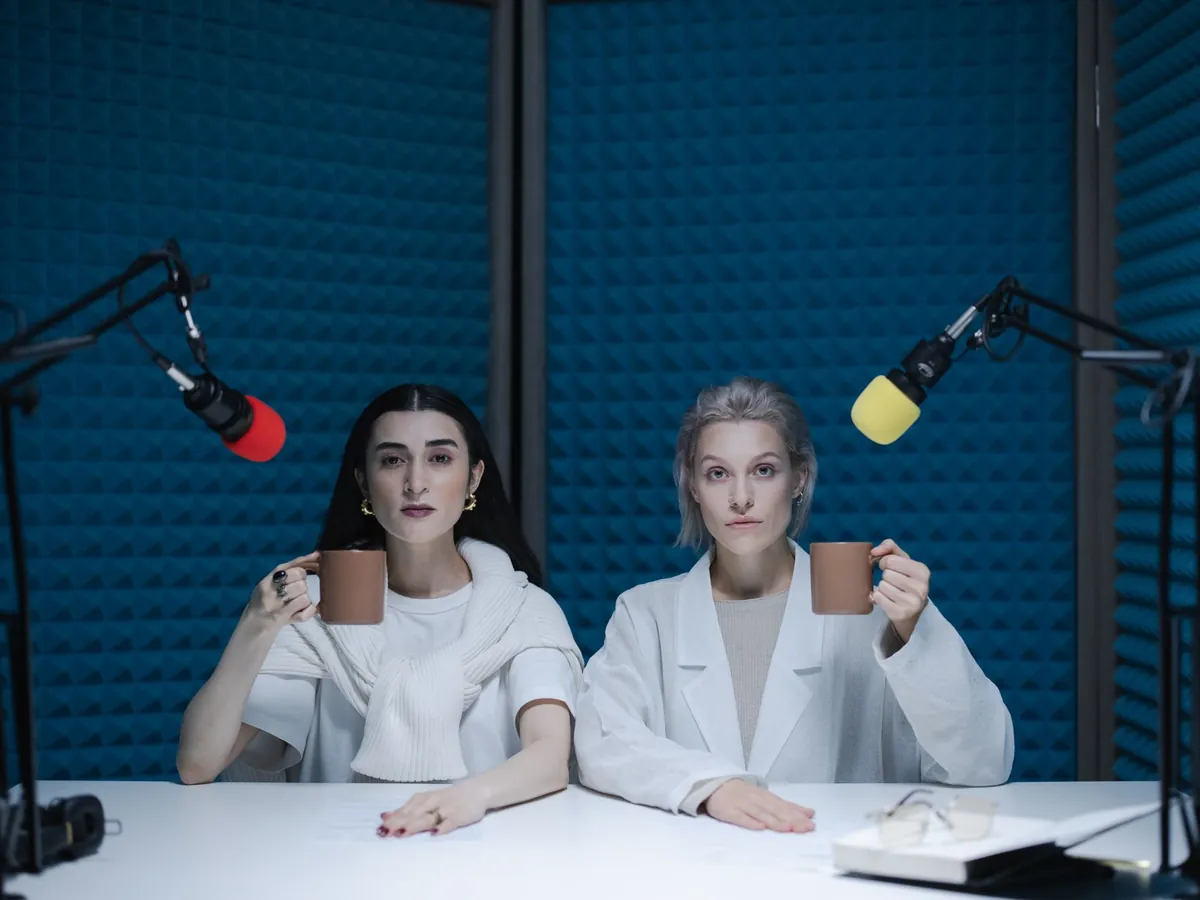
Two women recording a podcast at a desk with boom-arm microphones

When ElevenLabs is the better choice

Be honest about the job. If you are narrating an audiobook, dubbing a video into other languages, building an app that talks, or need a voice cloned from your own recordings, ElevenLabs is built for that and VoiceTestLab is not. Its voice library is far larger, its tools handle long projects, and it offers an API for developers.

ElevenLabs is also more generous if you never plan to pay. Its free plan refills every month, while VoiceTestLab only gives new accounts one free try at sign-up. The catch is the license: ElevenLabs' free plan can't be used commercially, and anything you publish from it has to credit ElevenLabs in the title. If that's fine for your project, its free tier is hard to beat.

  • Audiobooks and long narration: ElevenLabs handles long scripts and multi-chapter projects.
  • Voice cloning: clone your own voice on its paid plans; VoiceTestLab has no cloning.
  • Developers: an API to generate speech inside your own product.
  • Dubbing and translation: tools to re-voice videos in other languages.

When VoiceTestLab is the better choice

VoiceTestLab is for people who want a specific fun voice right now, without browsing a library or writing a style prompt. Each generator starts from a character preset, so the Santa is already jolly, the elf already giggles and the robot already sounds mechanical, and every page has scripts you can load with one click.

It's built around small, seasonal jobs: a Santa voice generator with a name box for your child, a personalized Santa message page with scripts for parents, a robot voice generator and a kid voice generator. After each clip you can add free browser effects such as Robot, Chipmunk or Radio and download a WAV file. There's nothing to install, and the site's free voice tests don't need an account at all.

Pricing is designed for occasional use, too. You can buy a one-time credit pack instead of a subscription, and failed generations are refunded automatically. Paid credits come with a commercial license, so a clip for your shop's holiday ad is covered.

What a free ElevenLabs alternative really gives you

Searching for a free ElevenLabs alternative usually means one of two things: you want to try voices without paying, or you want to publish without paying. Those are different questions. Most AI voice tools, ElevenLabs and VoiceTestLab included, let you try for free but reserve commercial use for paying users.

On ElevenLabs, free clips cannot be used commercially and must credit ElevenLabs when published. On VoiceTestLab, clips made with free trial credits are for personal use, such as family messages or a private video, and no credit line is needed. Either way, once a clip earns money or promotes a business, you need a paid plan.

Last updated October 21, 2026

Highlights

An ElevenLabs Santa voice alternative, ready in a minute

What's different when you make a Santa, elf, robot or kid clip here.

Character presets, not a voice hunt

Each page loads a voice already directed for the job: Santa is warm and hearty, the elf is fast and squeaky, the kid is bright and curious. You type the words and press Generate, and change the voice or delivery only if you want to.

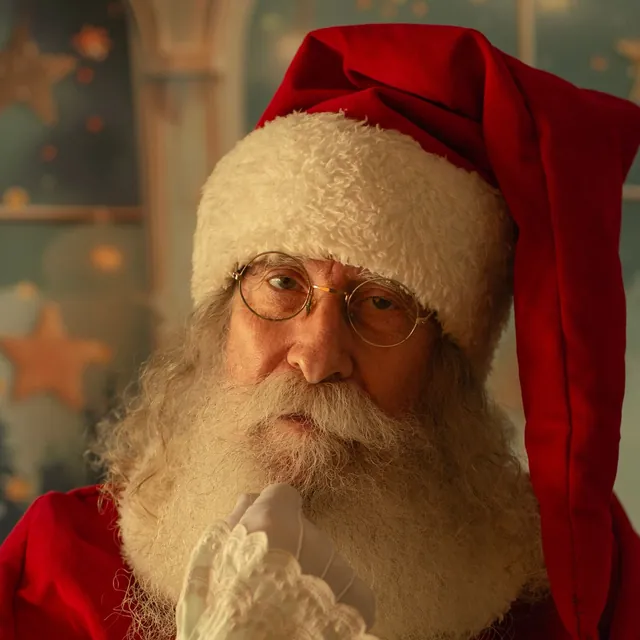
Surprised Santa Claus adjusting his glasses against a red background

A name box for Santa messages

On the Santa pages, type a child's name once and Santa says it wherever the script has {name}. Parents can make a message for each child in a few minutes, starting from scripts written for different ages and situations.

Effects you can try for free

After a clip is ready, try Robot, Chipmunk, Radio, Cave echo and more. Effects run in your browser on the finished audio, so testing them doesn't spend credits, and the download includes the one you pick.

Plain-English usage rights

Paid credits include commercial use. Free trial clips are for personal use. There is no attribution line and no license tiers to decode, and every voice is an original character that does not imitate a real person.

How it works

Try it: make a Santa clip in three steps

If you have used ElevenLabs, the flow will feel familiar, just with fewer choices to make.

  1. Step 1

    Open a generator

    Pick the Santa voice generator, or the robot or kid one. The right voice and style are already loaded, along with a sample script you can keep or replace.

  2. Step 2

    Write your lines

    Type your script or load one of the samples. For Santa, add a child's name in the Name box.

  3. Step 3

    Generate and download

    Sign in, press Generate and listen in 10 to 30 seconds. Try an effect if you like, then download the WAV file. New accounts can try it once for free.

FAQ

ElevenLabs alternative FAQ

Straight answers, with the trade-offs included.

Still have a question?

The quickest way to find out is to try it yourself. It only takes a minute.

Try the Santa voice generator

Several tools, VoiceTestLab included, let you try AI voices for free. Here, sign-up is free and new accounts can try it once for free. ElevenLabs' own free plan gives more characters each month, but free clips there can't be used commercially and need attribution when published.

Make a Santa clip in a minute

Open the Santa voice generator, add a name and hear it in a jolly Santa voice. Try it once for free.

Try the Santa voice generator