
Storybook pacing out of the box
The narrator preset asks for a warm, calm read with a measured pace and gentle pauses between sentences. Paragraph breaks breathe, questions lift and endings settle, so a story sounds told rather than recited.
Paste a script and hear it read by a warm, calm narrator with a measured pace and natural pauses. Choose from 30 voices, slow it down for bedtime or keep it brisk for explainers, then download a WAV. Try it once for free.
Scripts to try
Press Use this to load an opening into the narrator voice generator, then paste in your own script.
Once upon a time, at the edge of a sleepy town, there stood a lighthouse that had forgotten how to shine. Every night, a small gray cat climbed its winding stairs, hoping to find the light again. Tonight, she finally would.
Use the Slower delivery for bedtime.
Every autumn, millions of monarch butterflies fly up to three thousand miles to forests they have never seen. No one shows them the way. So how do they find it?
Voice Charon with the Calm delivery.
Here's the problem with most to-do lists: they tell you what to do, but not when. In the next three minutes, we'll fix that with one simple habit, and you can start using it today.
Try Erinome or Iapetus for a crisp, clear explainer.
Chapter One. The letter arrived on a Tuesday, which was strange, because nothing interesting had ever happened to Nora Finch on a Tuesday. She turned it over twice, noticed there was no stamp, and opened it anyway.
On the night of March ninth, every light in the old Bellweather Hotel switched on at once. The building had been empty for eleven years. This is the story of who turned them on, and why.
Voice Enceladus with the Slower delivery.
Long before the kingdoms had names, the sky held two moons. When one fell into the sea, the tides changed, the old roads drowned and a new age began. You were born on the night it fell.
Voice Gacrux, Slower delivery, then Cave echo.
How it works
Four steps from script to narration track. Longer pieces are made clip by clip with the same settings. Generating needs a free account.
Step 1
Each clip takes up to 1,000 billable characters, roughly a minute of English narration. Paste one paragraph or scene at a time, or press Use this above to start from a sample opening.
Step 2
The narrator preset uses Achird, a friendly male voice with a warm, measured pace. Switch to Sulafat for a warm female storyteller or Charon for a documentary tone, then pick Calm or Slower to set the pace.
Step 3
Press Generate; the credit cost is shown on the button first. Clips are usually ready in 10 to 30 seconds, and a failed generation is refunded automatically. Check names and numbers before you move on.
Step 4
Download each clip as a WAV and line them up in your editor. Keep the voice and delivery the same for every section so the whole narration sounds like one continuous read.
Quick reference
Six common narration jobs with a starting setup for each, using the voice menu and deliveries in the tool card.
| Job | Voice | Delivery | Effect | Pacing tip |
|---|---|---|---|---|
| Bedtime story | Achird (preset) | Slower | Original | Short sentences, soft endings |
| Fairy tale for young kids | Vindemiatrix | Calm | Original | Repeat the key phrase |
| YouTube explainer | Erinome | As preset | Original | One idea per sentence |
| Nature documentary | Charon | Calm | Original | Pause before the question |
| Mystery or true-story podcast | Enceladus | Slower | Original | Dates and places up front |
| Game lore intro | Gacrux | Slower | Cave echo | End on the player |
All voices are in the voice menu (Achird: friendly, Vindemiatrix: gentle, Erinome: clear, Charon: informative, Enceladus: breathy, Gacrux: mature). Generate one test paragraph with two or three of them before you narrate the whole script.
Highlights
Narration is long-form listening, so the preset is tuned for warmth, clarity and pace rather than drama.
The narrator preset asks for a warm, calm read with a measured pace and gentle pauses between sentences. Paragraph breaks breathe, questions lift and endings settle, so a story sounds told rather than recited.
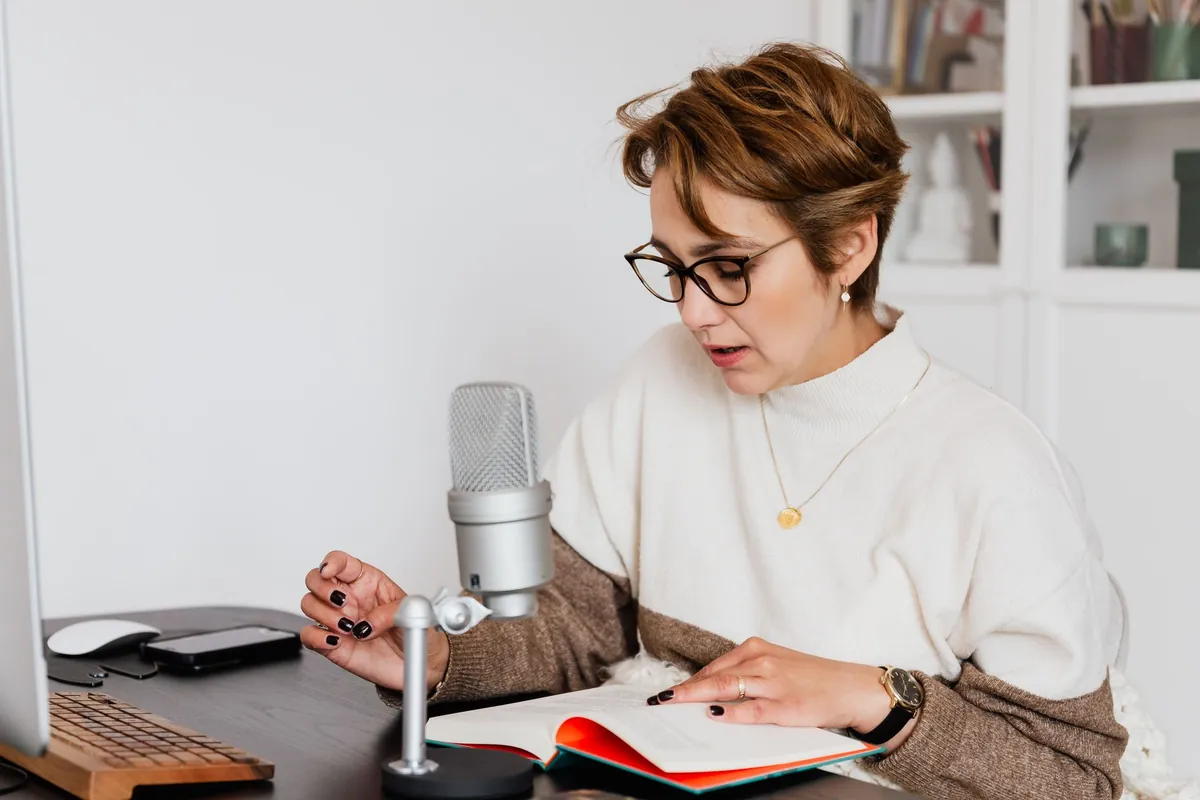
Pick a gentle female voice for children's stories, an informative male voice for documentaries or a clear one for tutorials. The delivery chips adjust pace and energy without changing who is speaking.
Each clip holds up to 1,000 billable characters, about a minute of English. Split a long script by paragraph and keep the same voice and delivery; then you can fix one line without redoing the whole chapter.
Every narration downloads as a 16-bit WAV that drops into any video or audio editor without converting. The originals stay in My voices, so you can download a section again while you edit.
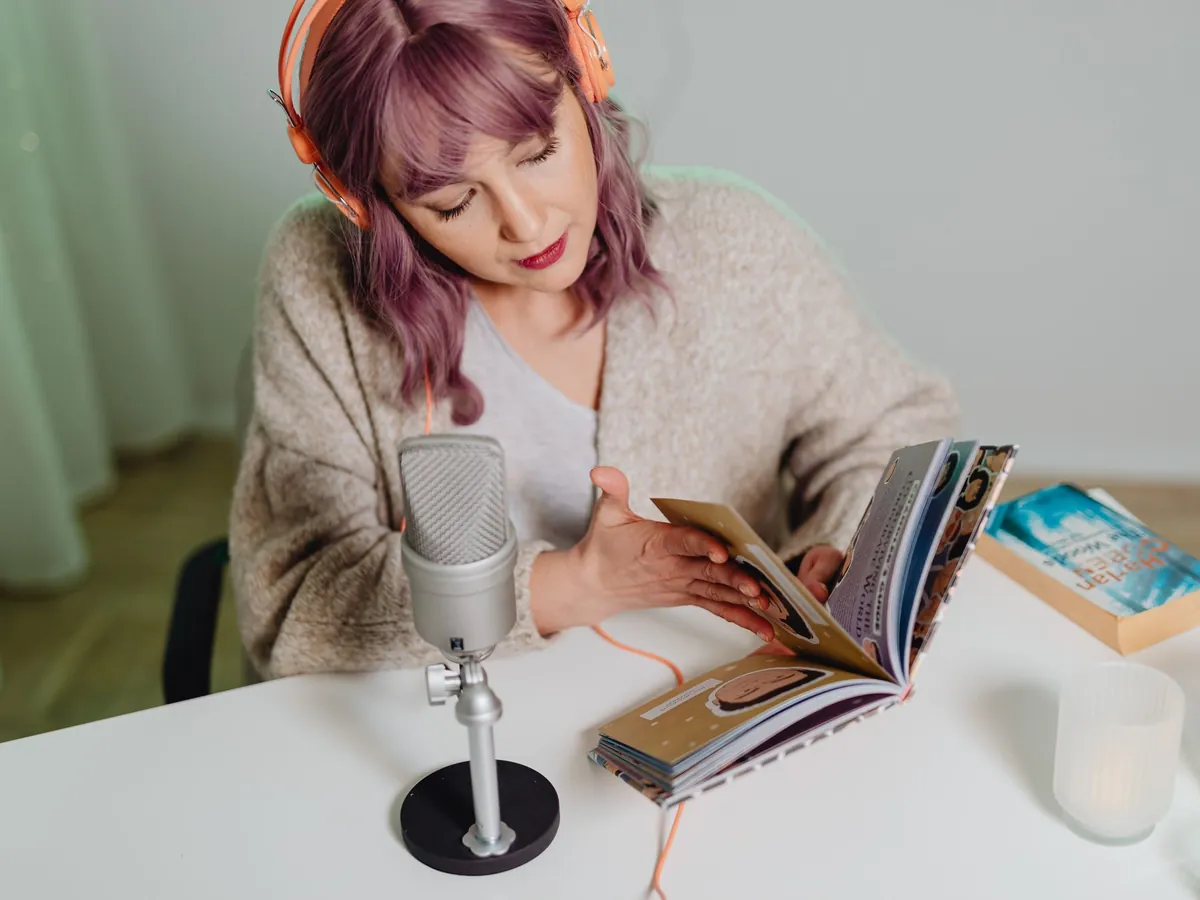
Write for the ear, not the page. Spoken sentences should be shorter than written ones, ideally one idea each, with the most important word near the end, where the voice naturally lands. Read your script aloud once before generating: wherever you run out of breath, the narrator will sound rushed too.
Punctuation sets the pace. A period gives a full stop, a comma a short breath and an ellipsis a lingering pause. A paragraph break is a good place for a longer beat, and a <long pause> tag marks a deliberate one, such as before a reveal. Spell out numbers, dates and abbreviations the way you want them said.
YouTube and explainers: keep the delivery on As preset or Calm, cut long sentences in half and generate one section per scene, so the narration lines up with your cuts. Kids' stories: choose a gentle voice, the Slower delivery and plenty of repetition; young listeners love a line that keeps coming back.
Audiobooks and long reads: generate chapter by chapter in sections of about a minute, with identical settings, and listen to each one before moving on. Some audiobook stores have their own rules about AI narration, so check them before you publish. For trailers and intros with more punch, try the movie trailer voice generator, or get a rich, low read from the deep voice generator.
Last updated October 21, 2026
Use cases
Anyone with a script and no time, booth or budget to record it.
Narration for explainers, tutorials, lessons and slide decks, in a steady voice that stays the same from video to video.

Bedtime stories and fairy tales read aloud, or your own stories told by a warm narrator.
Cold opens, episode intros and recap segments for story, history and true-crime podcasts.
Hear a draft read back to you, or voice the lore and opening cinematic of a game.
FAQ
Free trial, commercial use, long scripts and getting a natural read.
Still have a question?
The quickest way to find out is to try it yourself. It only takes a minute.
Keep exploring
Paste a paragraph, choose a storyteller and generate. New accounts can try it once for free.