Skip to content

Personalized Santa Message With Your Child's Name

Start from one of our scripts or write your own, add your child's name and one detail from their year, and hear it in a warm, jolly Santa voice. Play it on Christmas morning or share it with family.

  • Your child's name, spoken
  • Scripts for every age
  • Ready in under a minute
Santa message
Loading the tool…

Scripts to try

Messages from Santa to your child, ready to personalize

Press Use this, type your child's name in the Name box, then change one detail so it's truly about them. Every script stays under 300 characters.

Kind all year
Ho ho ho! Hello, {name}! It's Santa, calling from the North Pole. The elves tell me how kind you've been this year: sharing your toys, helping at home and being a good friend. That makes my heart as warm as cocoa. Keep it up, and Merry Christmas!

Swap in the kind things your child really did.

Tried something hard
Hello, {name}! Santa here. I heard you've been working very hard this year, even when things felt tricky. That kind of trying makes the elves cheer the loudest. I'm so proud of you. Keep being brave and curious, and have a very merry Christmas!

Name the real challenge: reading, swimming, a new school.

New big sister
Ho ho ho! Hello, {name}! Santa here. I hear you became a big sister this year, and the elves say you've been gentle, patient and a wonderful helper. Your little one is lucky to have you. Thank you for being so caring. Merry Christmas, my friend!

Change "sister" to "brother" as needed.

New home
Hello, {name}! It's Santa. I know you moved to a new home this year, and that can feel very big. Don't worry. I've already marked your new house on my map, and the reindeer know the way. I hope your new room feels cozy. Merry Christmas!

Reassuring for kids who worry Santa will miss the new address.

Christmas Eve, time to sleep
Ho ho ho! {name}, it's Santa. The sleigh is packed and the reindeer are ready, and Christmas magic works best when children are fast asleep. So snuggle in, close your eyes and dream something wonderful. Good night, and Merry Christmas!

Use the Calm delivery and play it at lights-out.

Christmas morning thank-you
Merry Christmas, {name}! Santa here, back home at the North Pole with a very full tummy. Thank you for the cookies, and the carrots for the reindeer. They were delicious! I hope today is full of laughing, playing and family hugs. Ho ho ho!

Edit the treats to match what your family left out.

A gentle nudge
Hello, {name}! It's Santa. The elves tell me you have a big, kind heart. Here's a little Santa tip: brushing your teeth every night keeps your smile as bright as Christmas lights. I know you can do it. Merry Christmas!

Keep nudges positive and skip naughty-list threats.

Hugs from far away
Ho ho ho! Hello, {name}! Santa here. Your grandma and grandpa asked me to send you a special hug all the way from their house. They think about you every day, and they're so proud of you. Give everyone at home a big squeeze. Merry Christmas!

Lovely when relatives can't visit this year.

How it works

How to make a personalized Santa message

Three steps and about two minutes. Sign in first; new accounts can try it once for free.

  1. Step 1

    Pick a script and add the name

    Choose a script above that fits your child's year and press Use this. Type your child's first name in the Name box. Santa says it wherever {name} appears, and the counter shows how long the message is.

  2. Step 2

    Change one detail to make it theirs

    Swap the example for something true: a good deed, a new skill, a pet, a move or a new sibling. One real detail is what makes a child feel the message was made just for them. Keep it under 300 characters.

  3. Step 3

    Generate, listen, then save it

    Press Generate and listen, usually within 30 seconds. Happy? Download the WAV file. Not quite? Edit a word or try the Calm or Slower delivery and generate again. Every version stays in My voices.

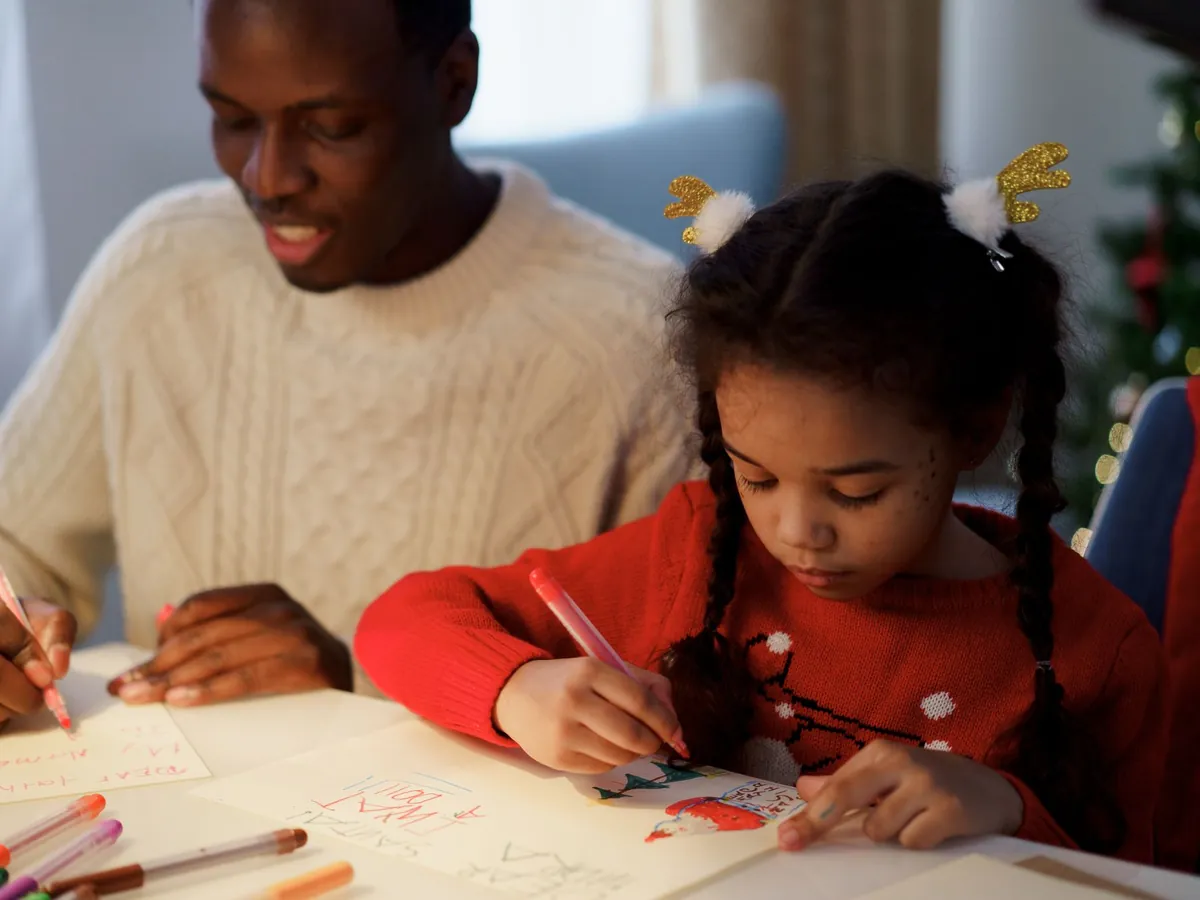
Dad helping his daughter write a letter to Santa at the table

How to write a Santa message your child will remember

The best Santa messages are short and specific. Children remember the moment Santa says their name and mentions something only Santa could know. Aim for four parts in about 40 to 60 words: a greeting with their name, one thing they did this year, a little encouragement for next year, and a warm goodbye.

Ages 2 to 4: two or three short sentences, the Slower delivery, and the name said twice. Ages 5 to 7: the sweet spot. Add one real detail and a playful North Pole touch, like an elf who loves their drawings. Ages 8 and up: older kids spot generic messages fast, so lean on specifics and humor, and skip anything that sounds like a test.

Don't promise a specific present. Plans change, stock runs out, and Santa should never be the one who broke a promise. Talk about feelings and effort instead. Skip naughty-list threats, too: kind, encouraging messages are the ones families replay for years.

  • Greeting: "Ho ho ho! Hello, {name}!" puts Santa's laugh and the name in the first breath.
  • Good deed: helping a sibling, sharing at school, being brave at the dentist.
  • Wish: Santa knows they've been hoping for snow, or hopes they have a cozy Christmas with family.
  • Next year: one thing to keep doing, such as reading, being a good friend or trying new foods.
  • Sign-off: "Merry Christmas, my friend!" ends the message warmly.
Quick reference

Santa voice message ideas for every situation

Match the message to what your child went through this year, then pick the delivery and the moment to play it.

SituationWhat Santa mentionsDeliveryWhen to play it
Baby's first ChristmasFirst snow, how loved they areCalmOpening presents, on the family video
Started schoolNew friends, being braveAs presetChristmas morning
New siblingBeing a gentle helperCalmChristmas Eve
Moved houseSanta already found the new homeAs presetTree-decorating day
A tough yearCourage and trying hardCalmA quiet moment together
Bedtime strugglesSleep helps the magic workSlowerChristmas Eve, lights out
Family far awayHugs sent from relativesExcitedDuring a video call

Delivery is the row of chips under the script box. Calm and Slower suit younger children; Excited carries well over speakers and video calls.

Highlights

Why parents use this Santa message maker

Built for the way families actually do Christmas: a few minutes after bedtime, one phone, and a child who notices everything.

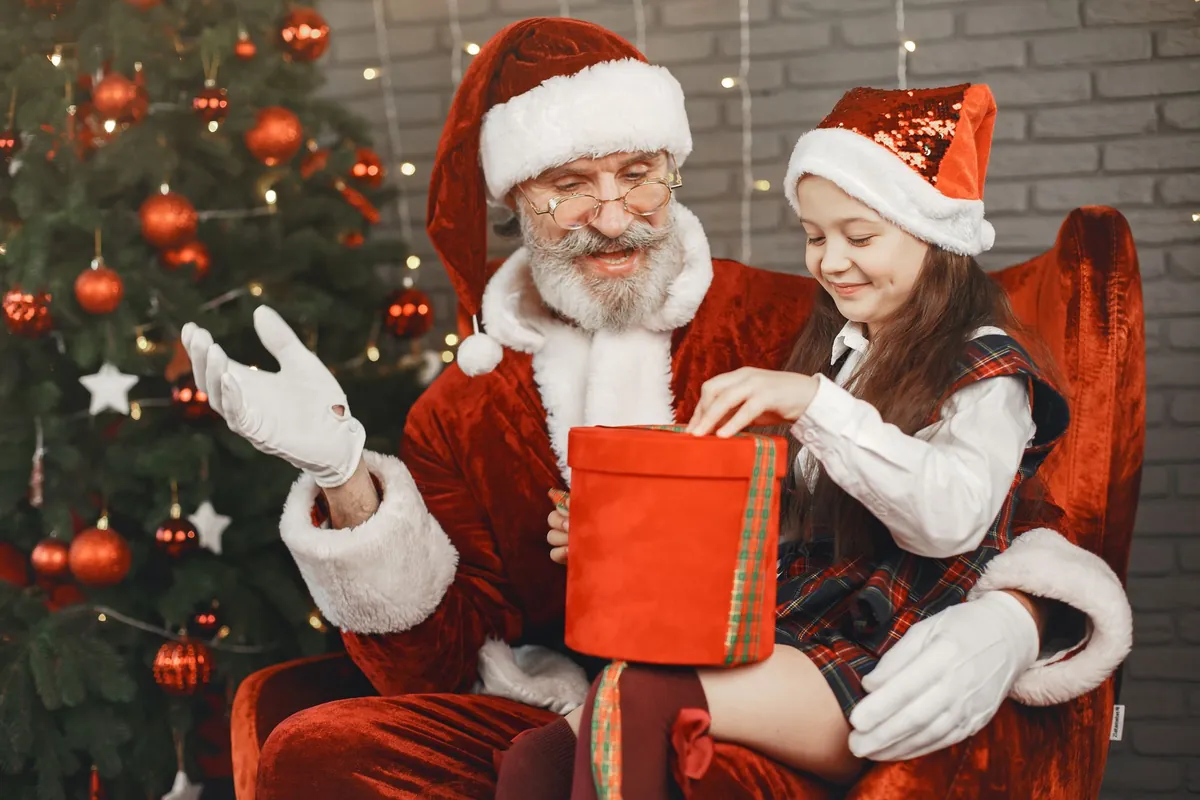
Santa Claus and a little girl laughing over a red gift box beside the Christmas tree

Santa says the name, not "little one"

Type your child's name once and Santa says it naturally wherever the script calls for it. Siblings? Generate a separate message for each child in a few minutes, so nobody gets a copy-paste Santa.

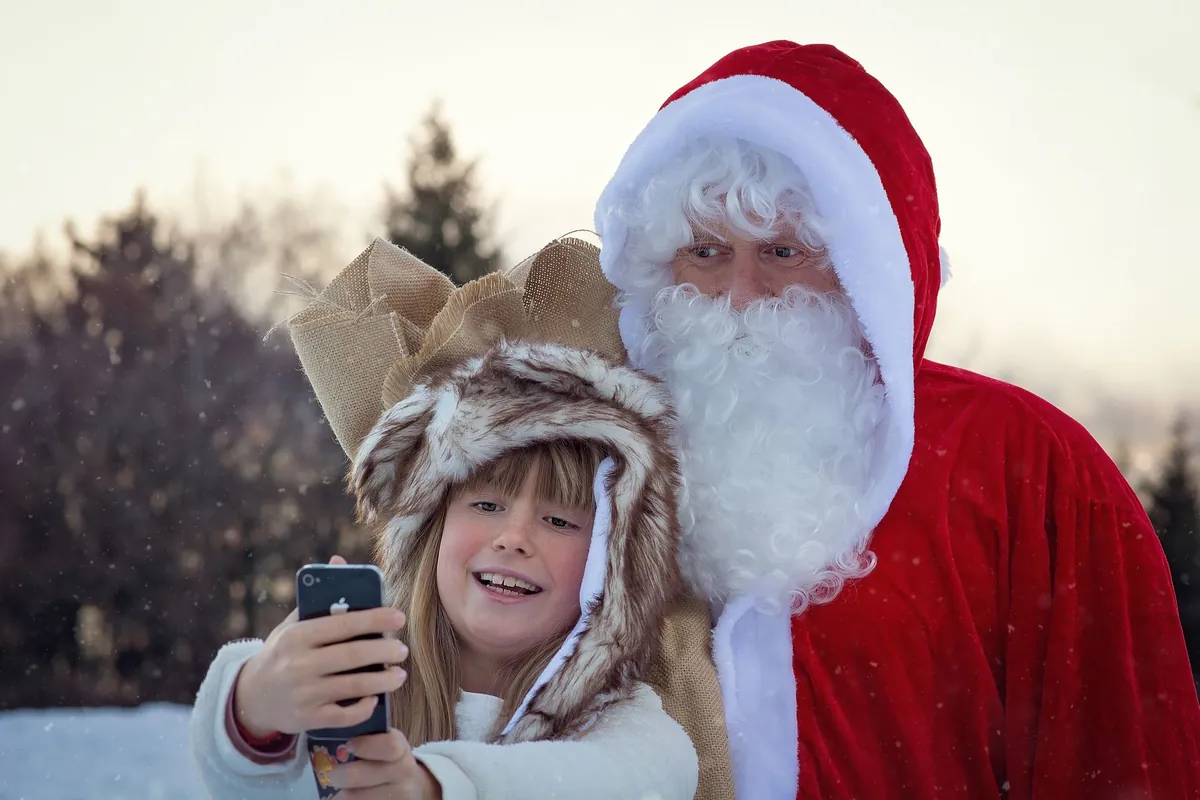
Girl in a furry hat taking a selfie with Santa Claus outdoors in winter

Warm, unhurried and kid-friendly

The Santa preset is tuned to sound jolly and grandfatherly, never booming or scary. Choose Calm for bedtime or Slower for toddlers, and the same words come out gentler and easier to follow.

Ready to play, share and keep

Download a standard audio file that plays on any phone or speaker, and find every message again later in My voices. Share it with grandparents, add it to a holiday video, or keep it as a souvenir of this year.

Your child's details stay private

The name and message are used only to make the clip, which is saved privately in your account. Nothing is published or sold, and your text and audio are never used to train AI models. The account is yours; your child never needs to sign up.

How to surprise your child with a message from Santa

How a message arrives matters as much as what it says. Ideas families love: play it from a phone hidden under the tree on Christmas morning, let it "arrive" on a tablet at breakfast on December 1, ask a grandparent to play it during a video call, or tuck it into the end of a family Christmas video. Little ones listen best on a lap, with the TV off.

For a phone-call feel, apply the Radio effect after generating, put the phone to your own ear first, then hand it over: "It's for you!" Older kids love a voicemail-style clip they can replay. Whatever you choose, listen once yourself before the big moment. It's the easiest way to catch a name said oddly or a line that doesn't fit.

The download is a WAV file that most phones, computers and video editors play directly. If a messaging app won't accept it, add it to a short video or slideshow and send that. Planning a whole Santa day? The Santa voice generator handles party invites and video intros, and the elf voice generator adds a giggly sidekick.

Last updated October 21, 2026

Use cases

Who sends personalized Santa messages

Parents most of all, but not only parents.

Parents

A Christmas morning hello or a Christmas Eve goodnight that says your child's name and something they did this year.

Grandparents far away

A Santa message carrying a hug from grandma and grandpa, for the years you can't be there in person.

Teachers and caregivers

Short Santa hellos for class parties or daycare, one per child, each with their name and a kind word.

Event organizers

Santa greetings for school fairs, charity drives and community events. Use a paid plan for anything you sell or promote.

FAQ

Personalized Santa message FAQ

What parents ask before making their first message.

Still have a question?

The quickest way to find out is to try it yourself. It only takes a minute.

Yes, you can try it once for free after you sign up. Messages use credits, the exact cost shows before you generate, and if anything fails the credits are refunded automatically. More credits come in plans and packs.

Make your child's Santa message tonight

Pick a script, add a name and one true detail, and Santa's message is ready in under a minute. Try it once for free.