Skip to content

Echo Voice Effect Shout into a giant cave

Record a line or upload a clip, and the echo voice effect places it in a huge stone cavern: repeats every third of a second over a four-second reverb tail. Compare it with your original and download a WAV. Free, in your browser.

  • Echoes every 0.32 seconds
  • 4-second cavern reverb
  • Processed on your device
Echo voice effect
Loading the tool…

How it works

How to add echo to your voice

Three steps. Short phrases with gaps between them give the echoes room to ring.

  1. Step 1

    Record or upload a clip

    Press Record and speak or sing for up to 60 seconds, or upload an MP3, WAV, M4A or OGG file up to 20 MB and 5 minutes long. No need to leave silence at the end; the effect adds its own tail.

  2. Step 2

    Apply the cave echo

    Cave echo is preselected, so press Apply effect. Your browser builds the echoes and reverb on your own device in a few seconds, a little longer for long uploads.

  3. Step 3

    Compare, then download

    Flip between Original and Cave echo while it plays. The download, cave-voice.wav, runs a few seconds longer than your clip so the echoes fade out naturally instead of being cut off.

Scripts to try

Lines that echo well

Short calls with pauses let each echo be heard. Leave a beat after every phrase.

Mountain call
Hello... is anyone out there?

Wait a full second after the question. The echoes answer for you.

Cave explorers
We've found the entrance. It goes deeper than the map shows. Keep the ropes tight.
Arena intro
Welcome... to the arena.
Big reveal
Ladies and gentlemen... the champion of the world!
Calm breathing
Breathe in slowly. Hold it. And let it go.

Spoken softly, the long reverb turns this into a meditation cue.

Highlights

Echo and reverb, working together

Real caves give you both: distinct repeats from far walls and a dense wash from everywhere else.

Boy shouting into a studio microphone, the kind of line the echo voice effect makes huge

Distinct echoes from a far wall

Your voice repeats every 320 milliseconds, about the time sound needs to reach a rock wall 180 feet (55 m) away and bounce back. Each repeat returns at 38% of the one before and a little darker, so the echoes fade over about two seconds.

A cavern-sized reverb

Underneath the echoes, a 4-second reverb simulates thousands of reflections off stone. It starts 40 ms after your voice, which adds a sense of size, and grows darker as it fades, the way rock and air soak up high frequencies.

Still clear enough to understand

Your dry voice stays up front at 85% while the reverb blooms behind it, and a low cut at 90 Hz keeps the space from turning boomy. You get a huge room without losing the words.

Quick reference

Echo vs reverb voice effect

People use the two words interchangeably, but they are different sounds. This effect uses both.

FeatureEchoReverb
What you hearSeparate, distinct repeatsA smooth wash of sound
Where it happensCanyons, cliffs, stadiumsHalls, churches, tiled rooms
Reflection timingRoughly 50 ms or more apartA few ms apart, blurred
In this effect320 ms delay, 38% feedback4 s tail, 40 ms pre-delay
Best forCalls, shouts, revealsAtmosphere, size, dreaminess

The ear starts hearing a reflection as a separate echo when it arrives roughly 50 ms or more after the original sound. Earlier reflections fuse into reverb.

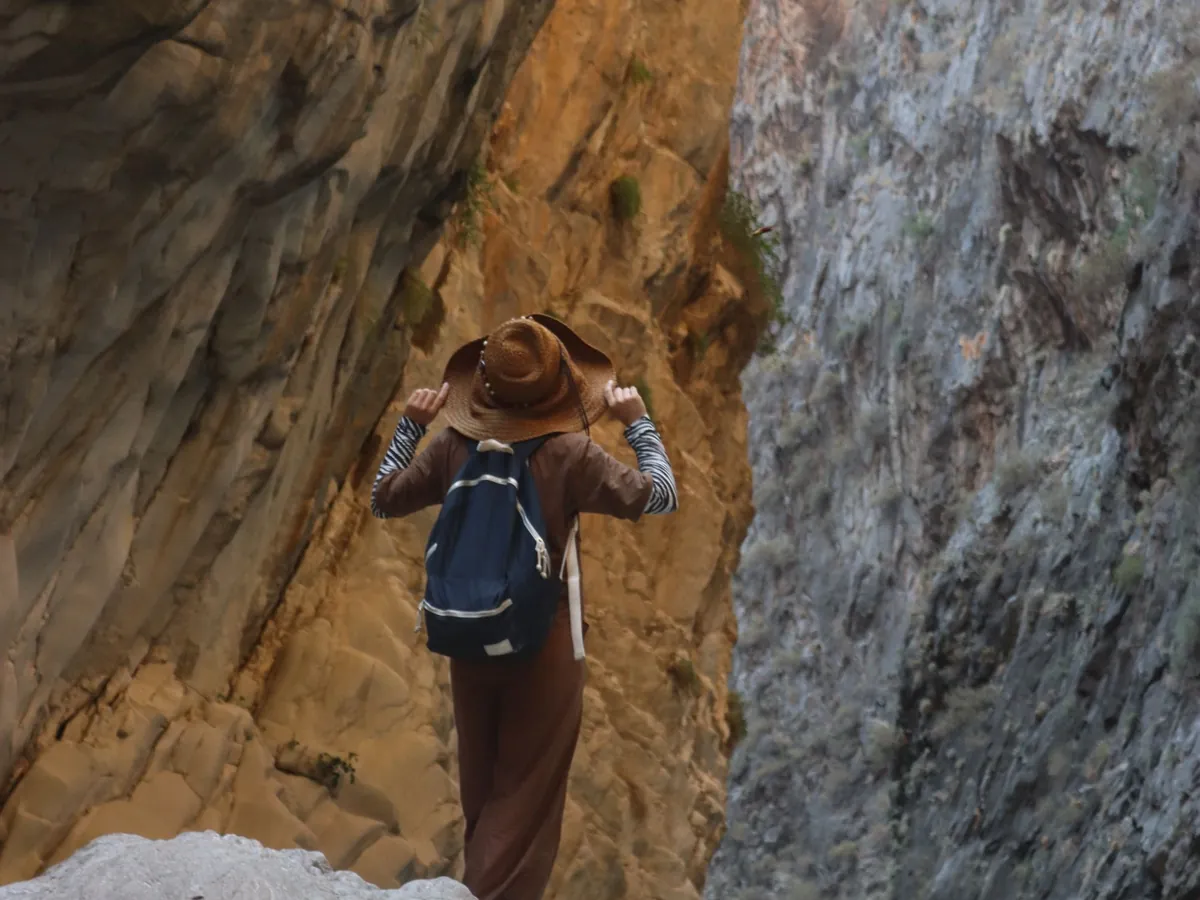
Hiker climbing between the tall rock walls of a narrow canyon

How the cave echo effect is built

A real cave does three things to your voice. Hard rock reflects almost everything, so sound keeps bouncing for seconds. Distant walls send back distinct copies you can count. And with every bounce, the rock and the air absorb a little more of the high end, so the tail gets duller as it fades. The effect copies all three.

The echo is a feedback delay: your voice goes into a 320 ms delay line, and 38% of what comes out is fed back in through a filter that cuts above 2.8 kHz. That's why each repeat is quieter and darker than the last. The reverb comes from convolution with a generated impulse response, a 4-second burst of decaying noise that darkens over time and stands in for the cave's countless reflections.

Why 320 ms? It is long enough that every repeat is clearly separate from your words, yet short enough that a sentence still hangs together. Much longer and the echoes start to sound like a second speaker; much shorter and they blur into the reverb.

Tips for a great echo, and where to use it

Leave gaps. Echoes overlap continuous speech and smear it. Say a phrase, wait about a second, then say the next. Calls, names and single words work best; a long monologue turns muddy.

Record dry. If your room already echoes, you get two spaces stacked on top of each other. Record in a carpeted or furnished room, about 6 inches (15 cm) from the mic, with no background music. Singers should hold notes steadily, because the reverb tail rewards long phrases.

Use it where space matters. Short videos, dungeon and cave scenes in games, dream sequences in podcasts and calm meditation cues all benefit. Apply the effect here, download the WAV and import it into your editor. If it's too wet for your mix, layer it with your original recording and turn the echo track down.

Need the voice itself? The narrator voice generator creates a calm storyteller voice from text with AI; it needs a free account and uses credits. This echo effect works on any audio you upload, including clips made elsewhere. For a distant transmission rather than a big space, the radio voice effect does the opposite and strips the room away.


Last updated October 21, 2026

Use cases

Who uses an echo voice effect

Anyone who wants a voice to feel bigger than the room it was recorded in.

Short-video creators

Dramatic reveals, mountaintop shouts and echoing punchlines for TikTok, Reels and Shorts.

Singers and musicians

A huge, spacious vocal for demos, intros and atmospheric hooks.

Game and dungeon masters

Cave, temple and dungeon dialogue that sounds as big as the map.

Meditation and wellness

Slow, spacious breathing cues and calm intros for relaxation audio.

FAQ

Echo voice effect FAQ

Quick answers about the cave echo, file length and privacy.

Still have a question?

The quickest way to find out is to try it yourself. It only takes a minute.

Yes, this one. Record or upload a clip, keep Cave echo selected and press Apply effect. Your browser adds distinct echoes and a 4-second reverb, then lets you compare with the original and download a WAV, with no sign-up and nothing to install.

Make your voice fill a cavern

Record a line, apply the cave echo and download it in about a minute. Free, no sign-up, nothing uploaded.