Character Voice Generator Heroes, Villains and Sidekicks
Type a line and hand it to a character: a fast-talking sidekick, a wise wizard, a smooth villain or a tiny fairy. Pick from 30 voices and 5 deliveries, add an effect and download a WAV. Original voices, and you can try it once for free.
Cartoon sidekick preset
30 voices for a full cast
Fairy, monster and robot effects
Character voice generator
AI · uses credits
Loading the tool…
Scripts to try
Character voice text to speech: lines for your cast
Press Use this to load a line into the character voice generator. The notes suggest a voice and effect for each character.
“Fast-talking sidekick
Hey, hey, hey! New hero, huh? Name's Bolt. I'm small, I'm fast, and I've only crashed the airship twice. Okay, three times. But the third one was the mountain's fault! Come on, that treasure won't find itself!
The preset voice, Sadachbia, exactly as it comes.
“Wise old wizard
Ah. You have come at last. <short pause> The river stone glows only for those who are kind when no one is watching. Take it, young traveler, and remember: courage is not always loud. Sometimes it is simply showing up.
Voice Algenib or Rasalgethi with the Slower delivery.
“Smooth villain
Oh, you brought friends. How sweet. <chuckle> Tell me, little knight, did they also bring a plan? Because I have seven, and every one of them ends with me wearing your crown.
Voice Algieba with the Slower delivery.
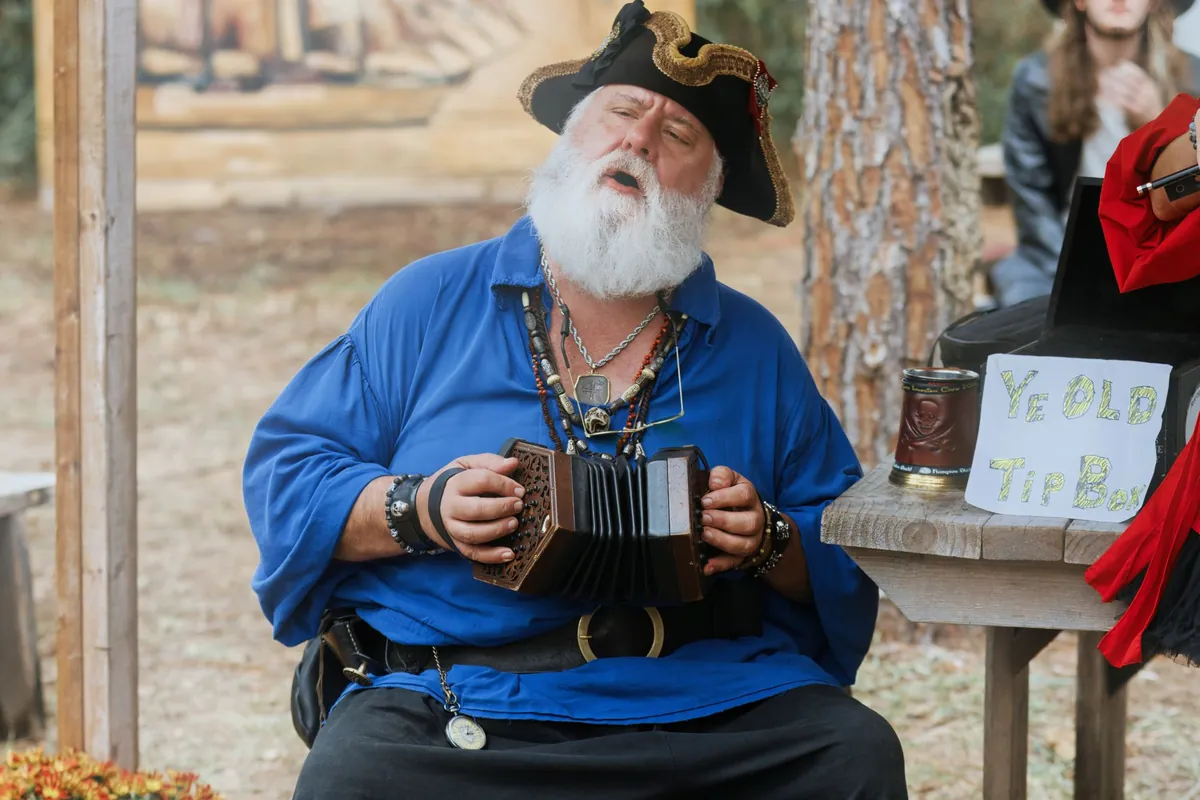
“Pirate captain
Gather 'round, crew! The map says the gold is buried under the tallest palm on Crooked Tooth Island. Problem is, every palm looks tall after three weeks at sea. Hoist the sails anyway, and somebody find me a ladder!
Voice Zubenelgenubi with the Excited delivery.
“Tiny garden fairy
Psst! Down here! No, lower! I'm the fairy who guards the garden gate. I'll let you in, but only if you promise not to step on the mushrooms. They're very grumpy before breakfast.
Voice Leda, Excited delivery, then the Chipmunk effect.
“Grumpy bridge troll
<grr> Who's that stomping on my bridge? The toll is three shiny buttons and one good joke, and it had better be funny. The last traveler told me a pun. I'm still upset about it.
Voice Algenib, then the Monster effect.
How it works
How to use the character voice generator
Four steps per character. Repeat them for each member of your cast and note the settings, so every character sounds the same next time. You'll need a free account to generate.
01
Step 1
Write the character's line
Type up to 1,000 billable characters, or load a sample. Write the way the character talks: their words, their rhythm, their quirks. The AI reads the text for attitude, so the script steers the performance as much as the voice does.
02
Step 2
Cast a voice and a delivery
The preset starts on Sadachbia, a lively voice with lots of pitch movement. Choose any of 30 male or female voices, then set As preset, Calm, Excited, Whisper or Slower to match the character's mood.
03
Step 3
Generate the character's take
Press Generate; the credit cost is shown on the button first. Takes are usually ready in 10 to 30 seconds, and a failed generation refunds its credits automatically.
04
Step 4
Shape it with an effect, then download
Chipmunk shrinks a voice to fairy size, Monster turns it into a troll, and Robot and Alien cover sci-fi. Pick one or keep the original, then download the WAV.
Quick reference
Build a cast of original character voices
Eight characters from one tool. Each row pairs a voice from the menu with a delivery, an effect and a writing habit that sells the character.
Character
Voice
Delivery
Effect
Writing habit
Cartoon sidekick
Sadachbia (preset)
As preset
Original
Jokes and quick self-corrections
Wise wizard
Rasalgethi
Slower
Cave echo
Short proverbs, long pauses
Smooth villain
Algieba
Slower
Original
Polite words, cold intent
Brave hero
Alnilam
Excited
Original
Short, direct promises
Pirate captain
Zubenelgenubi
Excited
Original
Orders and sea slang
Tiny fairy
Leda
Excited
Chipmunk
Fast, breathless sentences
Grumpy troll
Algenib
Slower
Monster
Complaints and <grr>
Ship robot
Iapetus
Calm
Robot
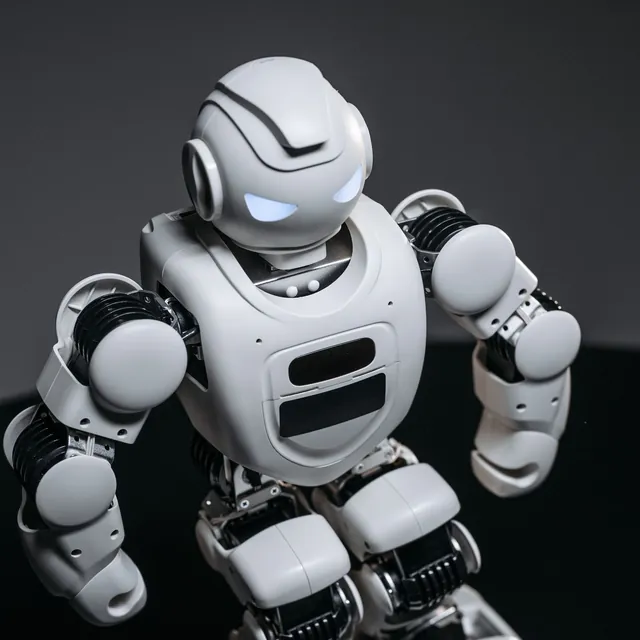
Status reports, no feelings
The character preset leans playful and animated. For a serious character, a deeper voice with the Slower or Calm delivery pulls it toward gravity; the scary, narrator and robot generators have presets tuned for those moods.
Highlights
An AI character voice generator for original casts
Everything you need to voice a whole story, without borrowing anyone else's characters.
Comic timing built into the preset
The character preset asks for a playful, quick, theatrical read with lots of pitch movement, the energy of an animated sidekick. Jokes land on the beat, asides drop in volume and exclamations pop, without you marking up every line.
One tool, a whole cast
Thirty voices, five deliveries and eight effects give you hundreds of combinations. Write down each character's recipe, such as Leda, Excited and Chipmunk for the fairy, and every scene you generate later will sound like the same cast.
Tags for laughs, gasps and growls
Drop <laugh>, <chuckle>, <gasp>, <sigh>, <giggle> or <grr> into a line and the voice usually performs it right there, so a villain can chuckle mid-threat and a sidekick can gasp at the treasure. Each tag counts as 20 billable characters.
Original characters only
The voices are original AI voices. We don't recreate cartoon, anime or game characters, or the actors who play them, which keeps your characters yours and your project clear of someone else's intellectual property.
01
Cartoon voice generator tips: writing for a character
A character is a voice plus a way of talking. Before you write, decide three things: how fast they talk, what they want in this scene and one verbal habit, such as a catchphrase, a stammer or a habit of correcting themselves. Then write the line in their words, not yours. “Okay, three times” says more about a sidekick than any description could.
Contrast makes a cast easy to follow. If the hero speaks in short, plain sentences, let the villain take his time with long, polite ones, and let the sidekick interrupt. Listeners tell characters apart by rhythm long before they notice pitch, so vary sentence length as much as you vary voices.
Catchphrases: one repeated phrase per character, used sparingly, makes them instantly recognizable.
Self-corrections: “twice. Okay, three times” gives you comic timing for free.
Ellipses and cut-offs: an ellipsis lets a wizard think; a sentence that breaks off lets a nervous character panic.
One tag per beat: <chuckle> for a villain, <gasp> for a surprise. More than two per line starts to sound busy, and each costs 20 billable characters.
02
Voicing a whole story, game or animation
Each clip uses one voice, so generate dialogue line by line: the hero's line, then the villain's reply, then the sidekick's joke. Name the files as you download them and drop them onto your timeline in order. Because every clip is short, you can regenerate a single line without touching the rest of the scene.
Storytellers of every size, from bedtime stories to game jams.
Indie game developers
Placeholder and final voice lines for NPCs, shopkeepers and bosses, generated as fast as you can write them.
Animators and YouTubers
Voices for cartoon shorts, explainer mascots and skits when you can't hire a cast for every episode.
Tabletop game masters
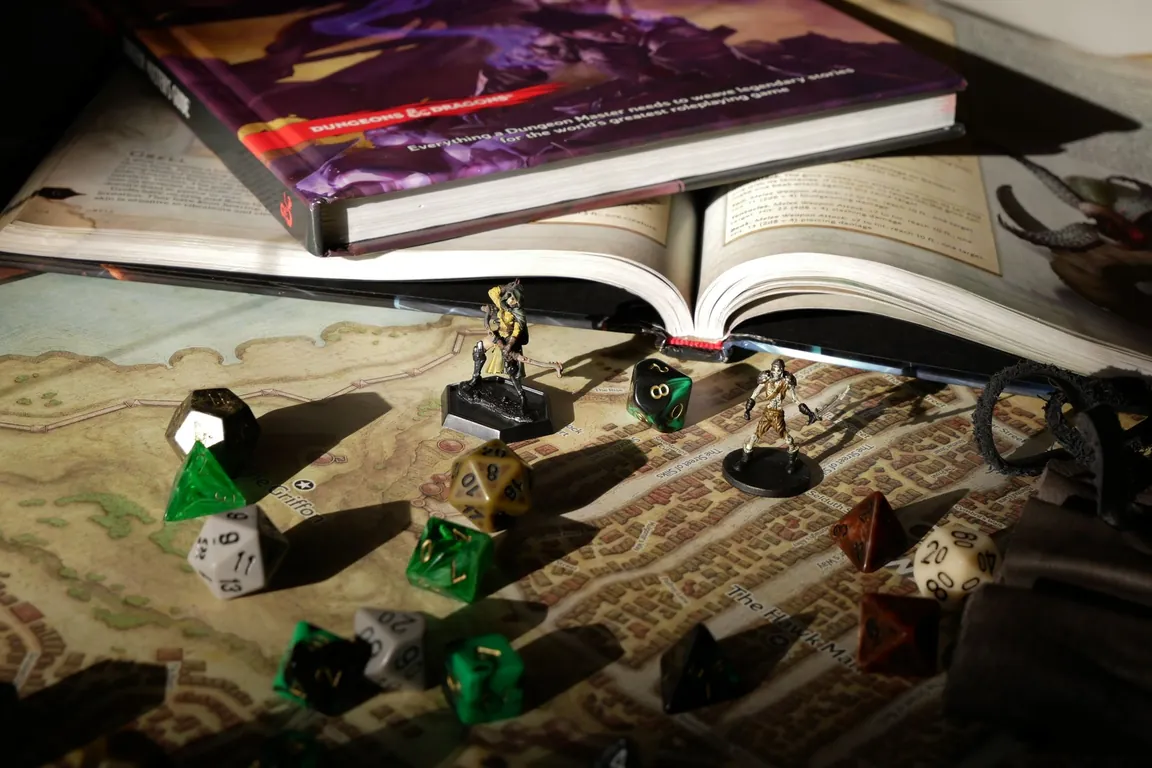
Give NPCs a voice at the table: a tavern keeper's welcome, a dragon's warning or a villain's monologue, ready to play.
Parents and teachers
Read-along stories with a different voice for every character, or a classroom mascot with a personality of its own.
FAQ
Character voice generator FAQ
Free trial, commercial use, building a cast and what we don't do.
Still have a question?
The quickest way to find out is to try it yourself. It only takes a minute.
You can try it once for free. Generating needs a free account, and after that each clip uses credits, shown on the Generate button before you click. Effects such as Chipmunk, Monster and Robot run in your browser and cost nothing.
Yes, as a paid user. With an active subscription or purchased credits, you can use clips in released games, monetized videos, ads and other commercial work. Clips made with free trial credits are for personal, non-commercial use. Don't present a clip as a real person's voice.
No. We only make original voices and don't recreate copyrighted characters or the actors who voice them. Describe your own character instead: their age, speed, mood and quirks, written into the line and set with a voice, a delivery and an effect. More original presets are in the AI voice generators.
Yes. By default the character preset is a playful cartoon sidekick, with quick timing and lots of pitch movement. Add the Chipmunk effect for small creatures or Monster for big ones, and the same tool covers most cartoon casts.
Use the same voice, delivery and effect every time, and keep the writing style consistent. The AI performs each take a little differently, so keep the takes you like and regenerate only the lines that drift.
Not at the moment: each clip uses one voice. Generate each character's line separately and place them one after another in your video editor, game engine or audio app. Short clips also make it easy to redo a single line.
Write the line in the language you need, such as English, Spanish or Chinese, and the character keeps its delivery. Chinese, Japanese and Korean characters count as 3 billable characters each, so those scripts reach the 1,000-character limit sooner.
A WAV file for each take. Effect versions are rendered in your browser and download as WAV, so save them before you leave the page. The original of every clip stays in My voices in your account until you delete it.