Skip to content

Scary Voice Generator From Creepy Whispers to Demon Growls

Type a line and hear it in a hushed, slow horror voice, then add a ghost, monster or cave effect in your browser. Made for Halloween, horror games and spooky videos, with a WAV download. Try it once for free.

  • Ghost effect applied for you
  • Whisper, growl and gasp tags
  • Halloween-ready WAV files
Scary voice generator
Loading the tool…

Scripts to try

Scary voice text to speech: scripts to try

Press Use this to load a script into the scary voice generator, then make it your own.

Haunted house welcome
Welcome, guests. <whispers> Please stay on the path. The family who lived here never really left, and they don't like visitors who touch the portraits. If you hear a music box, keep walking. Whatever you do, don't hum along.

Loop it by the front door on Halloween night.

Analog-horror broadcast
This is an emergency broadcast. Do not look at the night sky. Do not answer knocking after midnight. If someone you love calls your name from outside, <long pause> stay inside. It is not them. Repeat: it is not them.

Voice Charon, Calm delivery and the Radio effect give it a cold, official tone.

Campfire story ending
When the ranger finally opened the cabin door, the fire was still warm and the soup was still steaming. But every chair had been turned to face the wall. <whispers> Every single one. Now... who wants the tent closest to the trees?
Demon in a horror game
<growl> You opened the book. You read the words out loud. Did you really think nothing would answer? <long pause> I have waited three hundred years for a voice as foolish as yours.

Voice Algenib, Slower delivery, then the Monster effect.

Creepy toy
Hi there! Do you want to play a game? <giggle> The rules are easy. You close your eyes and count to ten, and I find you. I always find you. Ready? One... two...

Try a youthful voice such as Leda with the Ghost effect.

Escape room briefing
You have sixty minutes. The doctor locked this room from the inside, yet no one ever saw him leave. Find his journal. Find the key. And don't look into the mirror for too long. <whispers> It looks back.

How it works

How to make a scary voice from text

Four steps from a typed line to a horror clip for your game, video or Halloween night. Generating needs a free account.

  1. Step 1

    Write the scene, or load a sample

    Type up to 1,000 billable characters, or press Use this above. Short sentences, ellipses and one or two tags such as <whispers> or <long pause> build more dread than a long paragraph does.

  2. Step 2

    Choose a voice and how it's delivered

    The scary preset uses Enceladus, a breathy male voice that speaks low and slow. Swap in Algenib for a gravelly demon or a youthful voice for a creepy child, then pick Whisper or Slower to stretch the suspense.

  3. Step 3

    Generate your scary clip

    Press Generate; the credit cost shows on the button first. Most clips are ready in 10 to 30 seconds, and if a generation fails, its credits are refunded automatically.

  4. Step 4

    Add an effect and download

    The Ghost effect switches on as soon as the clip arrives. Compare it with Monster, Cave echo, Radio or Deep, then download the take you like as a WAV file.

Quick reference

Demon voice generator or creepy whisper: one line, five ways

The same line with five different settings: "Did you hear that? Something is in the attic." Only the voice, delivery, effect and one tag change.

VersionVoiceDeliveryEffectScript change
Campfire storytellerEnceladus (preset)As presetOriginalNone
Creepy whisperEnceladusWhisperGhost<whispers> before the second sentence
DemonAlgenibSlowerMonsterStart with <growl>
Analog-horror broadcastCharonCalmRadioOpen with This is an emergency broadcast
Echoing cryptGacruxSlowerCave echo<long pause> before the last line

Effects are added after generation and cost no credits, so you can hear all of them on one clip. Each tag adds 20 billable characters.

Highlights

A horror voice generator built for suspense

Dread comes from pacing, breath and space. Each part of the tool adds one of them.

Woman dressed as a witch holding a lantern in an autumn forest while two more witches peek from the trees

A delivery that holds its breath

The scary preset asks the AI for a low, slow, hushed read that builds tension, like a ghost story told by candlelight. Pauses stretch, sentences trail off and the last line lands quietly, which is usually scarier than shouting.

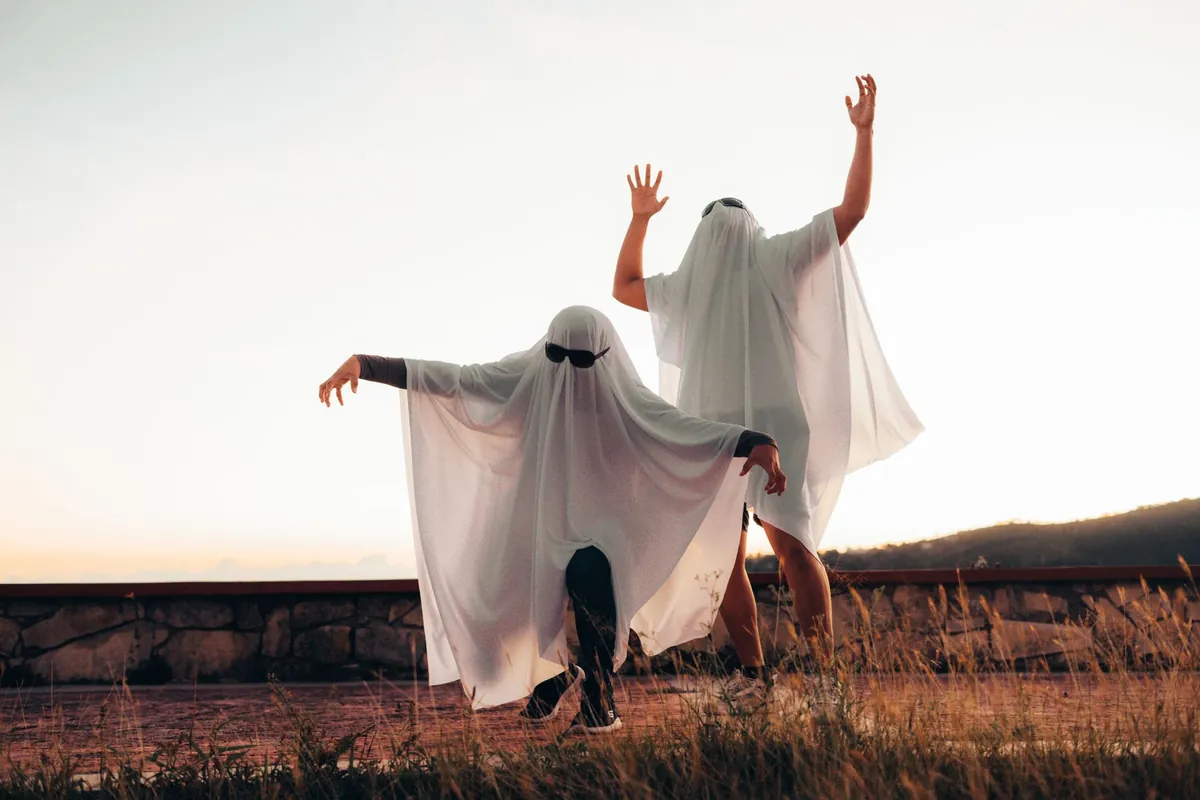
Two people in white ghost sheets dancing in a field at dusk

Ghost, monster and cave effects in your browser

Ghost turns most of the voice into a breathy whisper and adds a slow wobble and a three-second reverb tail. Monster drops the pitch by 7 semitones and adds grit. Cave echo places the voice in a stone chamber. All of them are free to try on every clip.

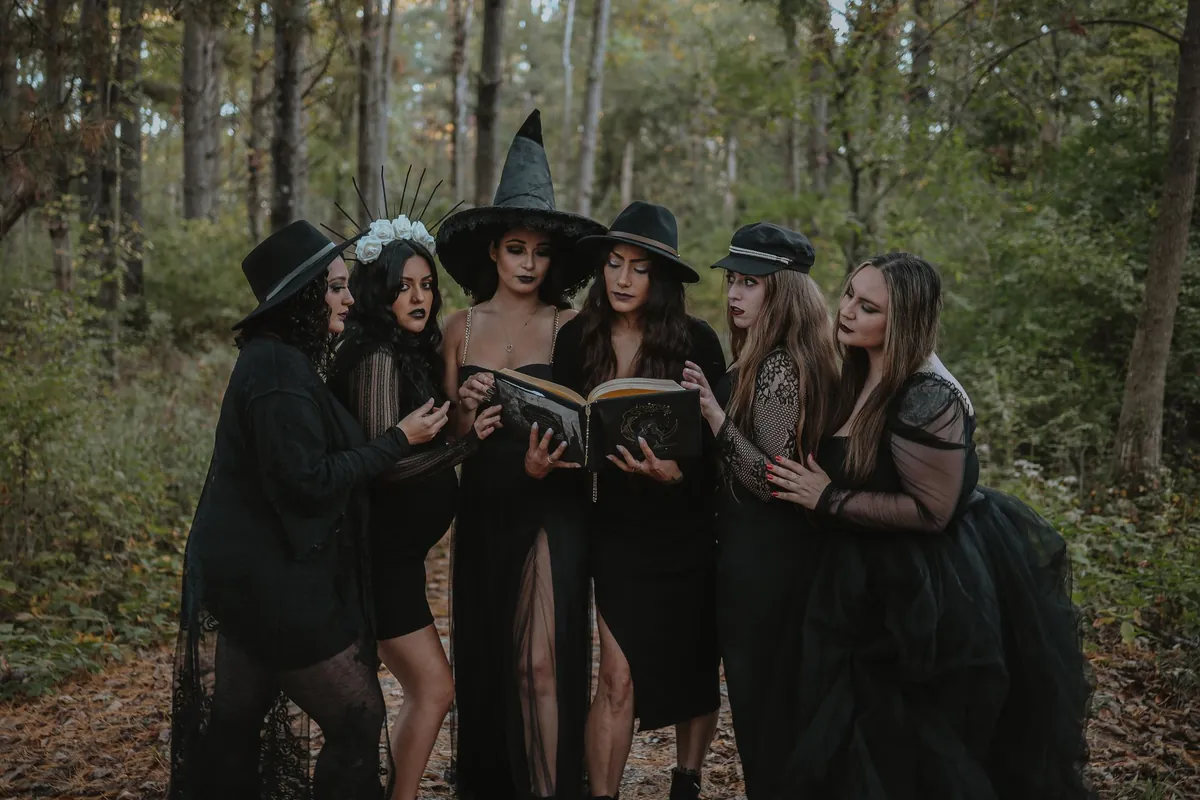
Group of women dressed as witches reading a spell book in a dark forest

Tags for gasps, growls and cackles

Write <whispers>, <gasp>, <growl>, <hiss>, <cackle> or <long pause> straight into the script, and the voice usually acts it out right there. Tags work best one or two at a time, and each counts as 20 billable characters.

Original voices, no movie villains

Every voice is an original AI voice. We don't imitate horror-film characters or real people, so what you make is yours to use under our terms, and your clips stay in My voices until you delete them.

Girl in a witch hat playing a keyboard in front of Halloween decorations

Writing for a creepy voice generator

Horror lives in what the listener has not heard yet. Write short sentences, leave gaps and save the worst detail for the end of the line. A plain statement such as “The door was already open” often lands harder than a string of adjectives, because the listener fills in the rest.

Contrast helps too. A calm, polite voice saying something wrong is unsettling; a cheerful child's voice counting down is worse. Start the clip in a normal voice, let one detail slip, then drop into a whisper. For a demon, slow down instead of speeding up: menace comes from patience.

  • Ellipses for hesitation: “The music box started to play... by itself.” The pause before the reveal does most of the work.
  • <whispers> mid-line: switch from normal speech to a whisper right before the sentence that should give people chills.
  • <long pause> before the sting: one deliberate gap before the final sentence sets up the scare.
  • Breath and gasp tags: <breath>, <heavy breath> or <gasp> make a narrator sound frightened rather than frightening.
  • Keep it short: 20 to 40 seconds is plenty for a jump scare, a doorbell greeting or a game cue. A slow 300-character script runs about that long.

Demon, ghost or analog horror: picking a style

Ghost and haunting scripts want breath and space: the Whisper delivery, the Ghost effect and plenty of pauses. Demon voices want weight: a gravelly voice such as Algenib, the Slower delivery, the Monster effect and a <growl> at the start. Both suit haunted houses, horror games and spooky short videos.

Analog horror, the found-footage style built on eerie emergency broadcasts and old training tapes, works best with almost no emotion. Use a calm, informative voice such as Charon or Kore, the Calm delivery and the Radio effect, which narrows the sound to a 300 to 3,400 Hz band with a little hiss, like an old broadcast. To change your own recording instead, try the ghost voice changer or the monster voice changer. For a booming, dramatic read rather than a whisper, the movie trailer voice generator is the better fit.


Last updated October 21, 2026

Use cases

Where people use scary voices

From a doorbell speaker on October 31 to a full horror game, a scary voice sets the mood fast.

Halloween at home

Play a spooky greeting at the front door, inside a haunted garage or behind a prop coffin for trick-or-treaters.

Horror game makers

Voice a demon boss, the narrator of found tapes or ghostly whispers that trigger in dark corridors.

Video and story channels

Creepy narration for scary stories, analog-horror shorts and spooky reels, without recording your own voice.

Escape rooms and events

Intro briefings, clue recordings and jump-scare cues for escape rooms, haunted trails and school Halloween nights.

FAQ

Scary voice generator FAQ

Free trial, commercial use, tags and how to get the scariest result.

Still have a question?

The quickest way to find out is to try it yourself. It only takes a minute.

You can try it once for free after you sign in with a free account. After that, each generation uses credits, and the Generate button shows the cost before you click. The Ghost, Monster, Cave echo and other effects run in your browser and cost nothing.

Make something go bump tonight

Type a line, generate it and let the ghost effect do the rest. New accounts can try it once for free.